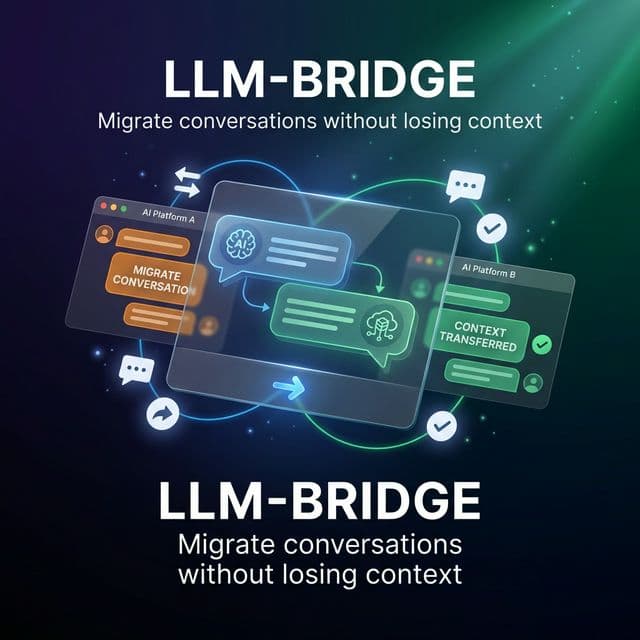
Migrate conversations between LLMs without losing context
Switch between ChatGPT, Gemini, Claude, and more while keeping your conversation history intact.
How it Works
Three simple steps to migrate your conversations
Step 1
Select Messages
Open the sidepanel and select the messages you want to migrate.
Step 2
Choose Destination
Pick your target LLM: ChatGPT, Gemini, or Claude.
Step 3
Continue Chatting
Your conversation is now in the new LLM with full context.
Features
Everything you need to work across multiple AI assistants
Cross-LLM Migration
Move conversations between ChatGPT, Gemini, Claude and more.
Deep Copy
Select any message in a conversation to copy, migrate, or export at will.
One-Click Migration
Select messages, pick destination, done. That simple.
Privacy First
We never store your conversations. Your data stays yours.
Simple Pricing
Start free. Upgrade when you need more.
Pro
$9.90/month
- 50 deep copies/day
- 50 migrations/day
- + Claude support
- Server-side export
- Priority support
Premium
$29.90/month
- Unlimited everything
- All LLMs supported
- API access
- Priority support
- Team features (soon)
Ready to bridge your LLMs?
Join thousands of users who work smarter across AI assistants.
Install Extension — Free